chatsnack
chatsnack treats prompt work as something we author, save, remix, and compose.
Wouldn't you rather your prompts be reusable rather than one-off code?
Wouldn't you like to be able to work with them quickly in notebooks as you develop, but also save them as YAML files that can be version controlled, shared with non-coders, and loaded back into Python objects when you need to run them?
If so, then chatsnack is your kind of library. It is a bit magical, silly, and opinionated, but it's intended to hide a lot of the provider API surface in a way that is flexible and compact.
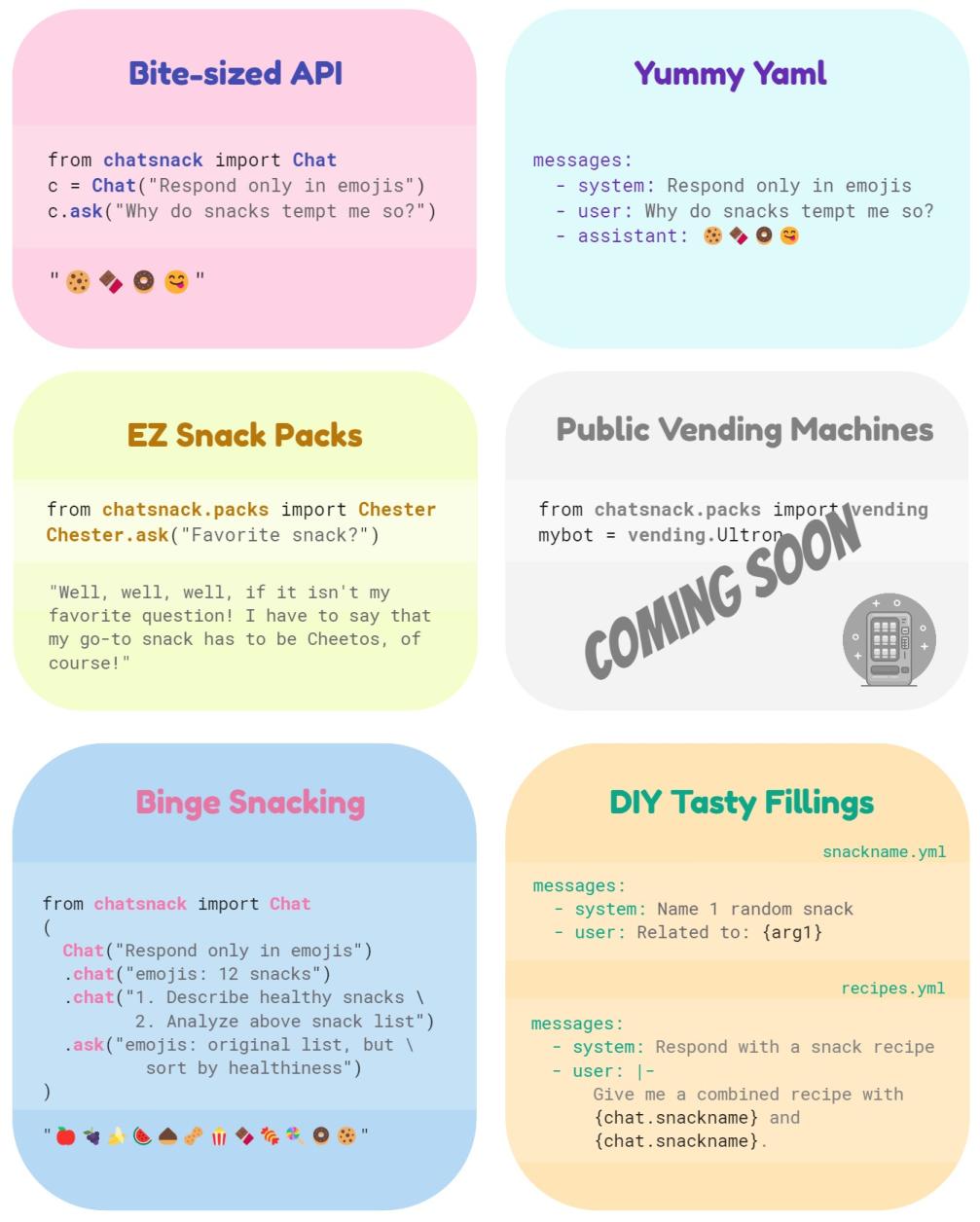
Chatsnack Guides
Enjoy a quick snack
from chatsnack import Chat

chat = Chat("Respond only with the word POPSICLE from now on.")
print(chat.ask("What is your name?"))
"POPSICLE."
If that works, chatsnack is up and ready.
Why chatsnack feels like chatsnack
Chatis the center of gravity for one-shot prompts and continuing threads.- Chats serialize cleanly to YAML, so prompt work can live in version control.
- Reusable
Textand saved chats make composition part of the product. utensils=[...]keeps local functions and hosted tools on one authored surface.- The same small mental model scales from a tiny snack to more ambitious prompt craft.
Learn more
- Getting Started trims the README and notebook flow into one short first run.
- Guides explain the product story in the order people tend to need it.
- Examples collect a few compact patterns pulled from the notebooks and scripts.
- API Reference covers the stable public surface used in the guides.